Hard reset or factory data reset is usually performed when you want to restore the original settings of the device or remove memory blocks. It may also help you to resolve common Android related issues. If you want to sell your device, the hard reset process will help you to prevent your personal data from being violated. It will erase all your files and data so that no one would have a chance to take advantage of them. In the other hand, it is highly recommended to back up your important data before performing the hard reset operation.
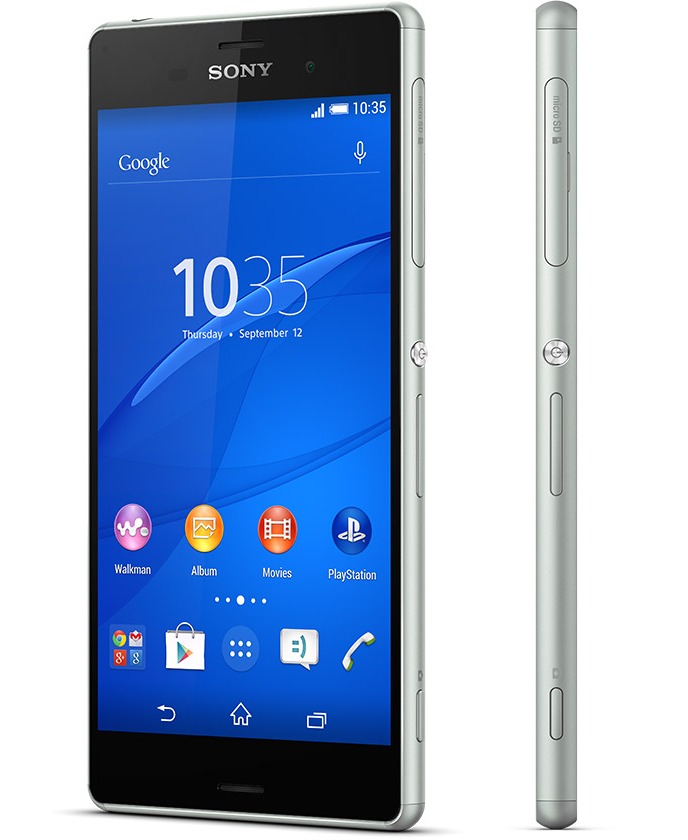 How to Perform Sony Xperia Z3 Hard Reset / Factory Data Reset
- Under Settings, tap Backup & reset.
- Go to Factory data reset.
- Select Reset phone.
Sony Xperia Z3 Troubleshooting
Having some problems with your device? The troubleshooting section on the user guide will help you find the solution. Here are some common problems that you may encounter and how to solve them:
The device freezes or applications suddenly shut down
- The device may behave unexpectedly due to downloaded applications. To check if any downloaded applications are causing the problem, you can activate safe mode. In this mode, the device only starts with pre-installed software and applications that already existed when you purchased your device. If the device’s performance improves in safe mode, it’s likely that one or more of your post-purchase downloaded applications are affecting the device negatively. You can exit safe mode and restart the device to uninstall the application or applications that you suspect are causing the problem. If the problem is recent and you’re not sure which application is causing the problem, you can start by uninstalling the most recently downloaded application.
The battery runs out quickly
- Disable all data connections over mobile networks to save power when you’re not using the Internet. Doing so does not prevent your device from transmitting data over other wireless networks.
- Turn off GPS, Bluetooth and Wi-Fi connections when you don’t use them.
- Activate a number of power saving modes to improve your battery performance.
- Increase the synchronisation interval for your email, calendar and contacts.
- Keep track of your battery consumption and see which applications are using the most power.
- Close and exit applications that you are not using.
- Lower the screen brightness level.
- Turn off your device or activate Airplane mode if you are in an area with no network coverage. Otherwise, your device repeatedly scans for available networks, and this consumes power.
- Disable any live wallpaper.
Download Sony Xperia Z3 User Manual